Kalkan logoKalkan
Windows 10 / 11 · 64-bit

Download Kalkan

Version1.3.30 Size90.8 MB Released29.10.2026 19:49
What's new in this version
  • Improved fingerprint system
  • Better camera, audio and graphics card identity
  • More stable HTTP/3 and UDP tunnel
  • Security and stability improvements

3-day free trial · no card needed

SHA-25618aa6d04f8666c64dbf801edbcf880fb7cec0f3c699ab3422603f00aab200a05
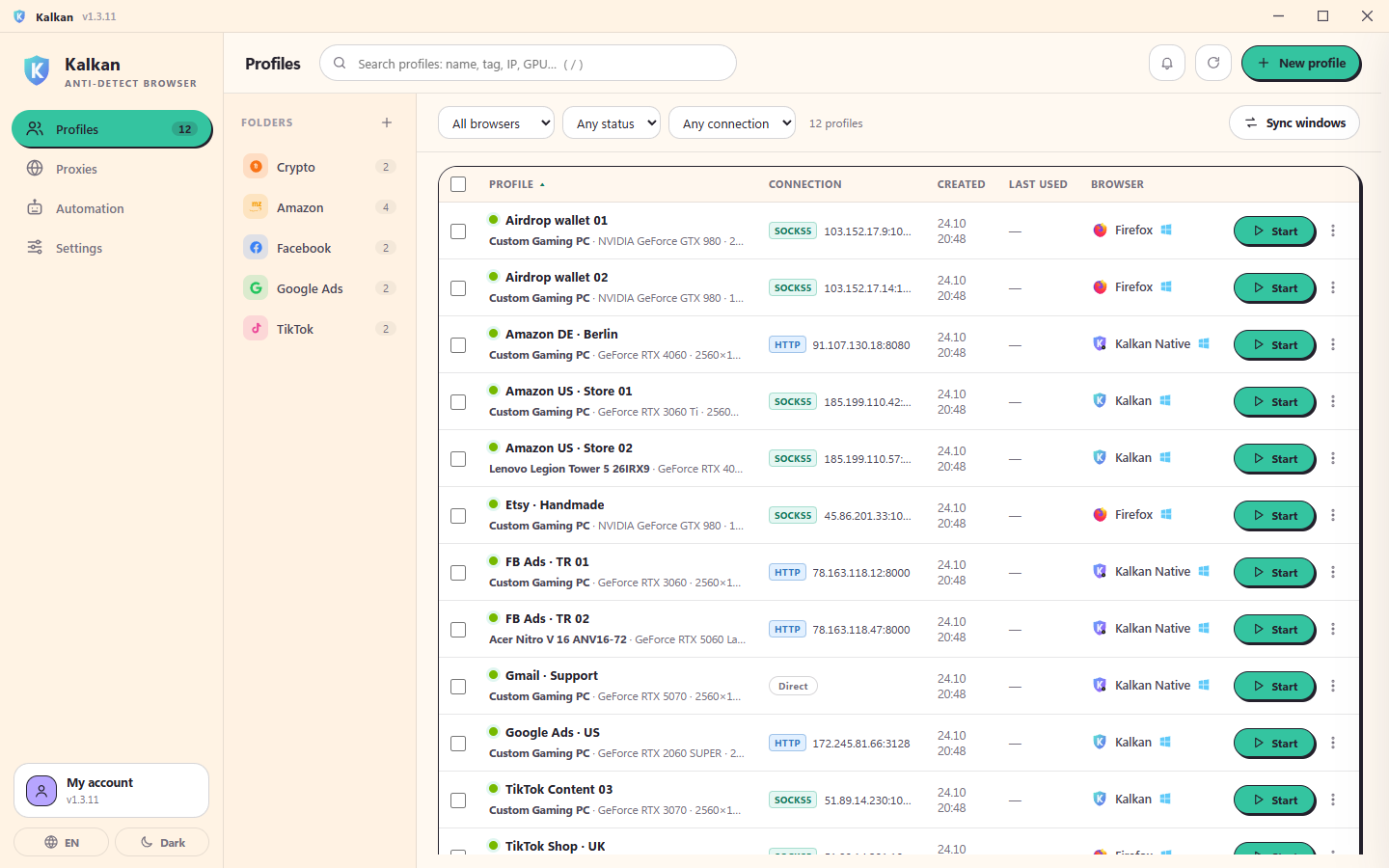
Kalkan
Kalkan profile list with folders, proxy country, engine and one-click start

After installing

  1. Open Kalkan and sign in with your account.
  2. The system test runs on first start; once it is green you are ready.
  3. Add a proxy and create your first profile.

Requirements

  • Windows 10 22H2 or Windows 11 (64-bit)
  • 4 GB RAM (8 GB recommended), 1 GB free space

SmartScreen

If Windows SmartScreen warns: "More info" → "Run anyway". Some antivirus tools may temporarily flag new unsigned installers as a false positive; the file is safe and verified by the signed update system.